Support
Hardware Connection
Check every port of your device and electronic drum set — we'll tell you how to connect them.
Device
Tick every port on your phone, tablet, or computer.
Electronic Drum Set
Tick every port present on your drum module.
Cable/Adapter Needed
Tick a device port and a drum-set port above.
Also tick a port on your Electronic Drum Set above.
Also tick a port on your Device above.
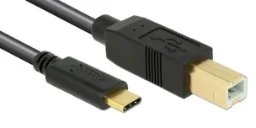
USB-C → USB-B cable.
or
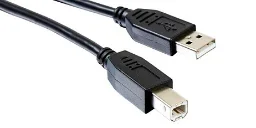
USB-A → USB-B cable, for data.
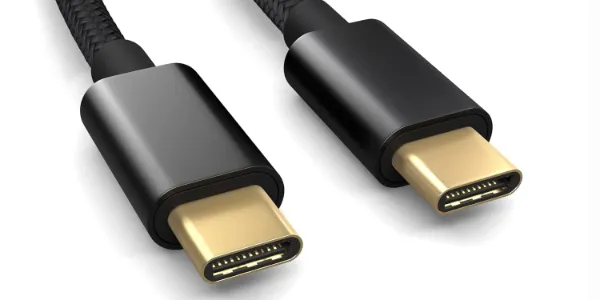
USB-C → USB-C cable.
or
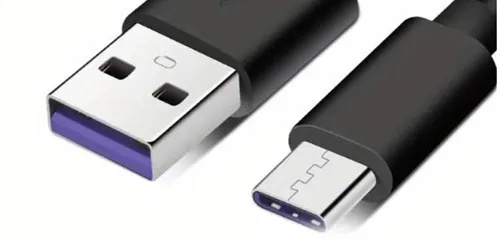
USB-A → USB-C cable, for data.
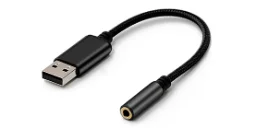
USB-A to 3.5mm adapter, for headphones.
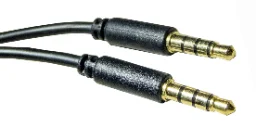
3.5mm mini-jack cable, adapter to module.
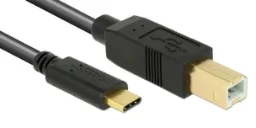
USB-A/C → USB-B Cable, Adapter to Module.
USB-A/C → USB-C Cable, Adapter to Module.
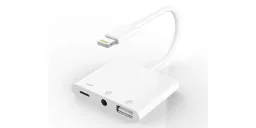
Lightning to 3.5mm + USB Adapter.
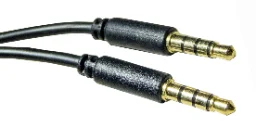
3.5mm mini-jack cable, adapter to module.
A mini-jack alone can't send note data to the drum module — also tick your device's USB-C, USB-A, or Lightning port above.
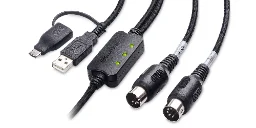
USB MIDI Interface - also Bluetooth works
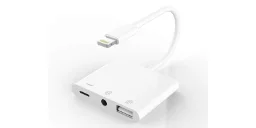
Lightning to 3.5mm + USB Adapter.
Also tick your device's USB-C, USB-A, or Lightning port above.
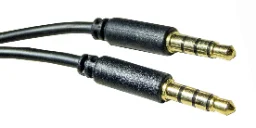
Mini-Jack for Device to Module Connection
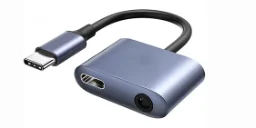
USB-C to 3.5mm + USB Adapter.
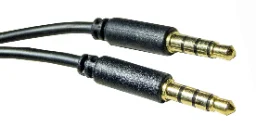
3.5mm Mini-Jack Cable.
Wiring Diagram
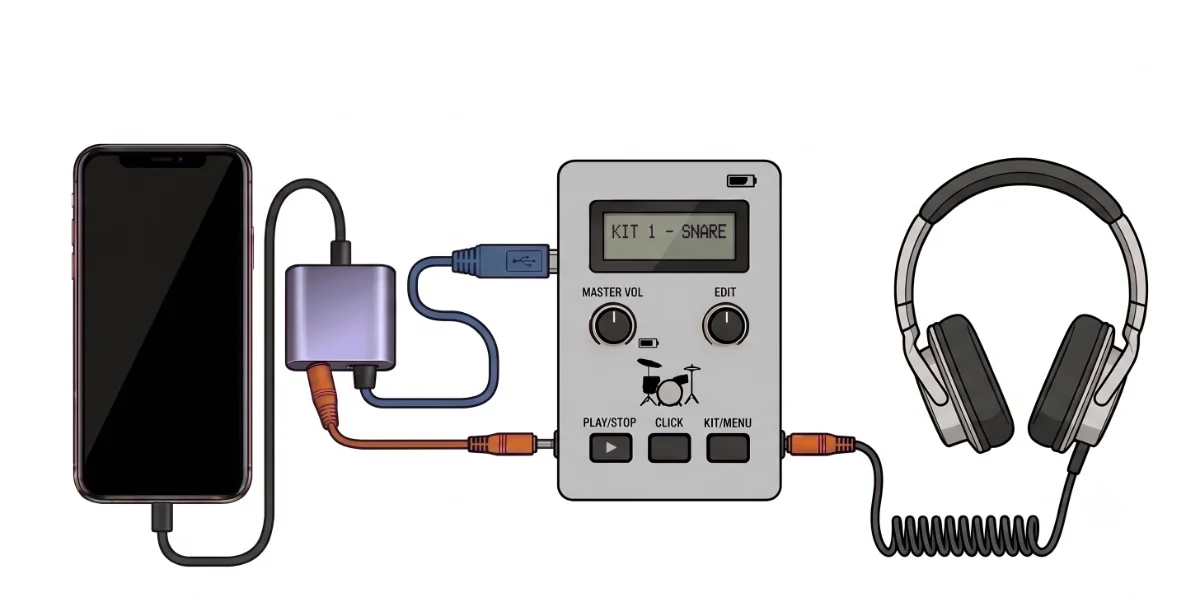
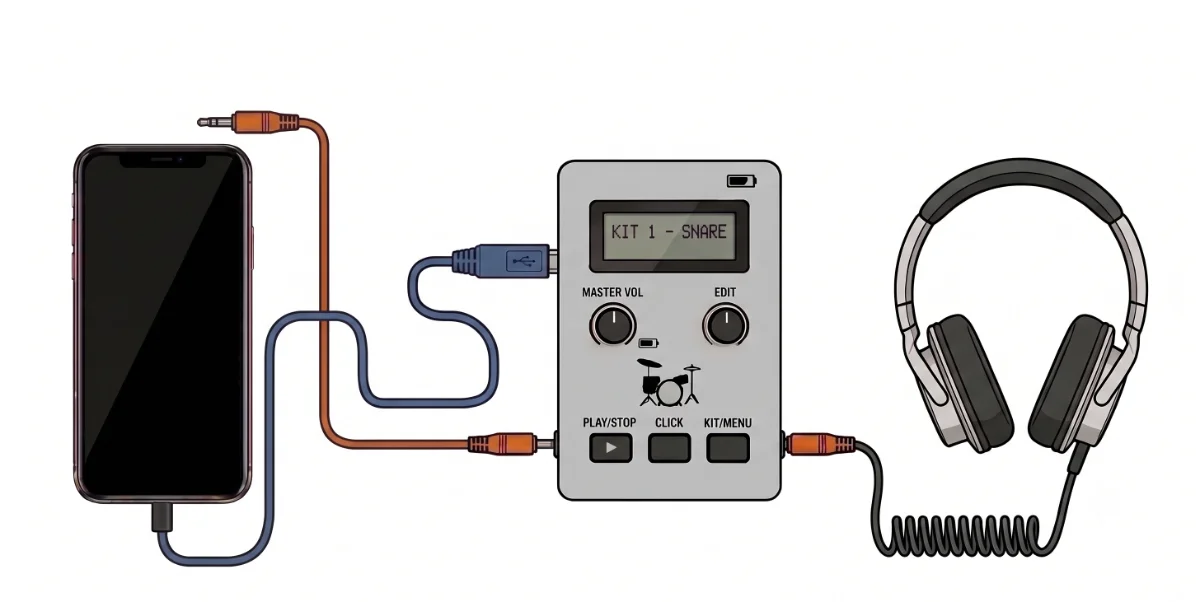
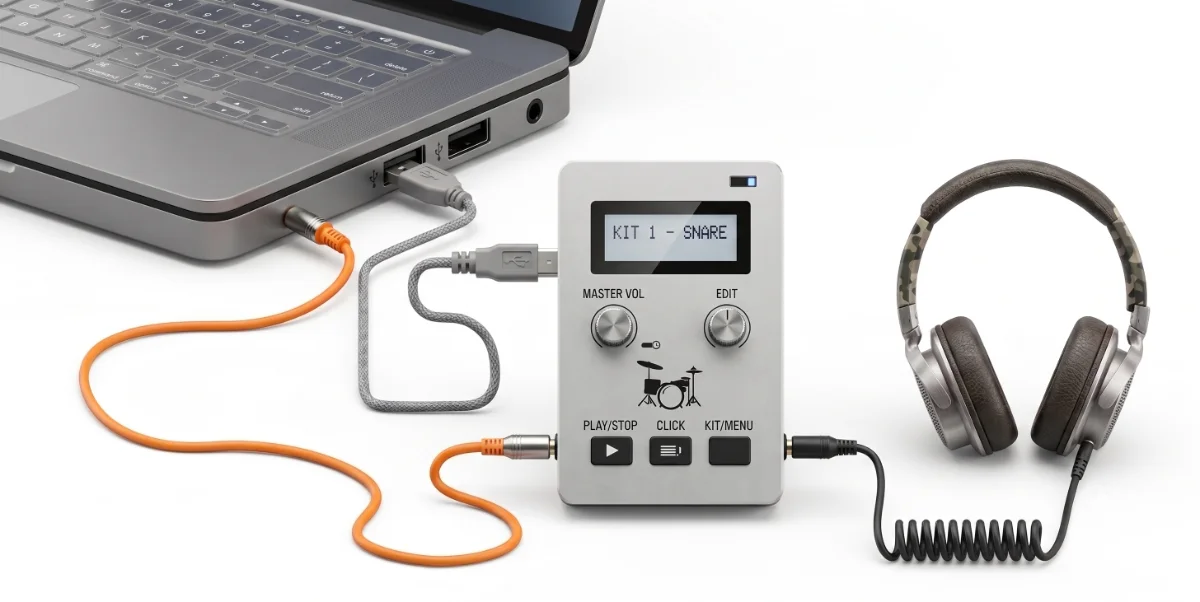
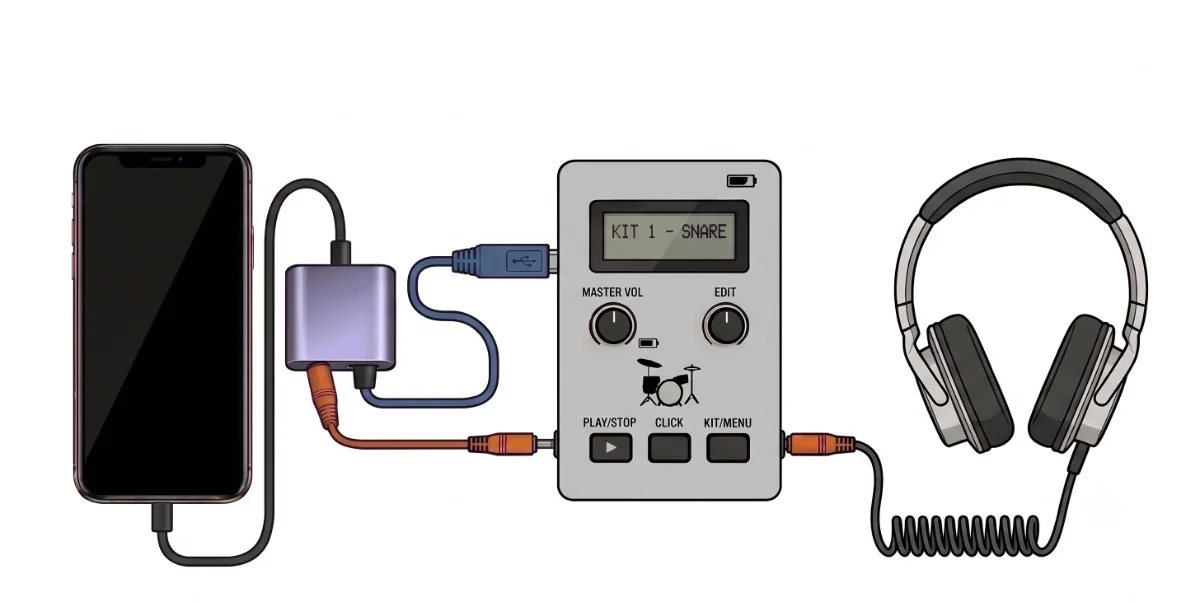
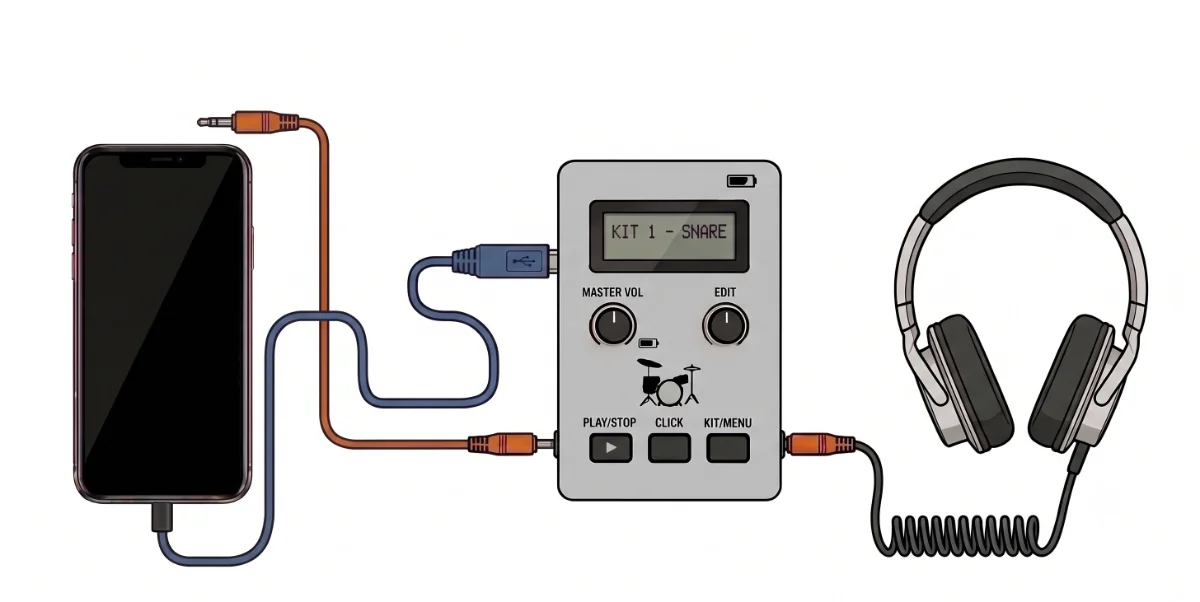
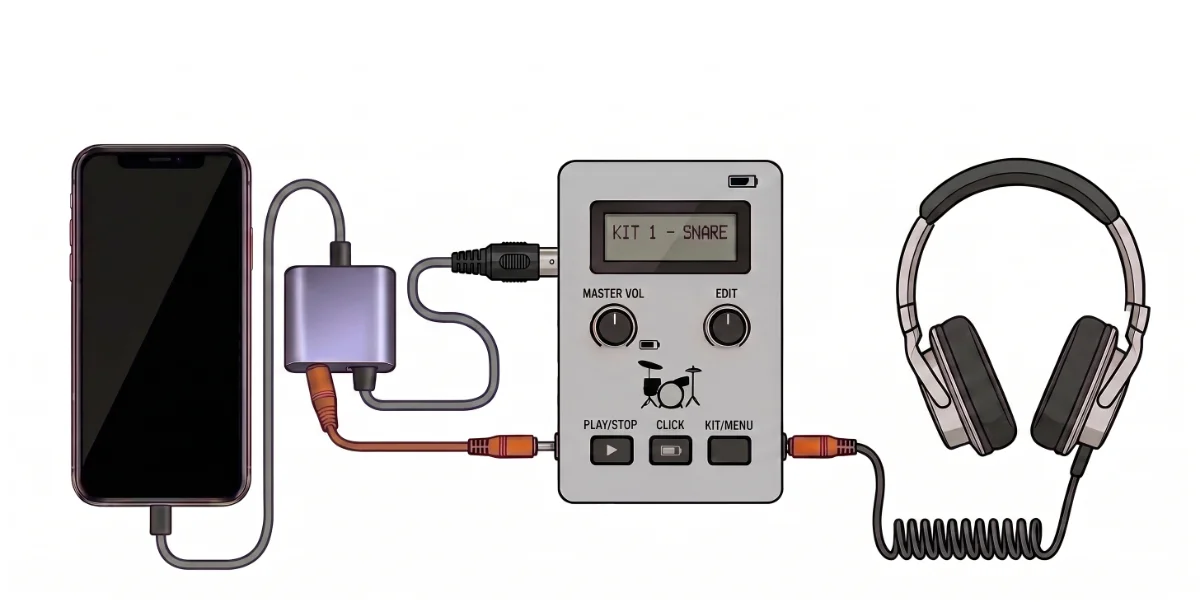
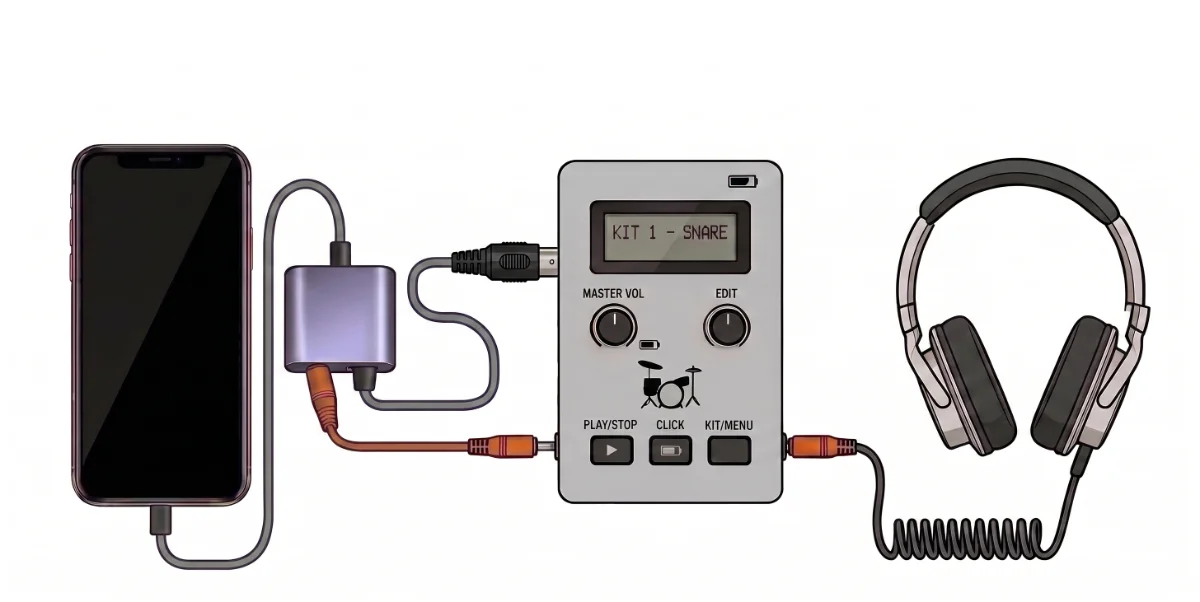
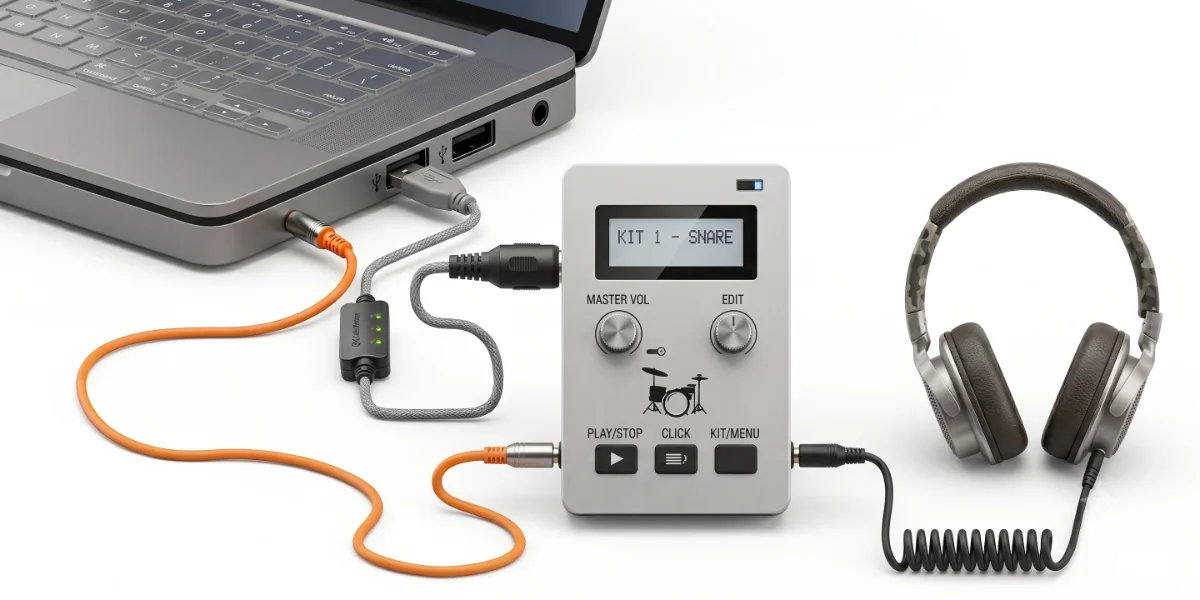
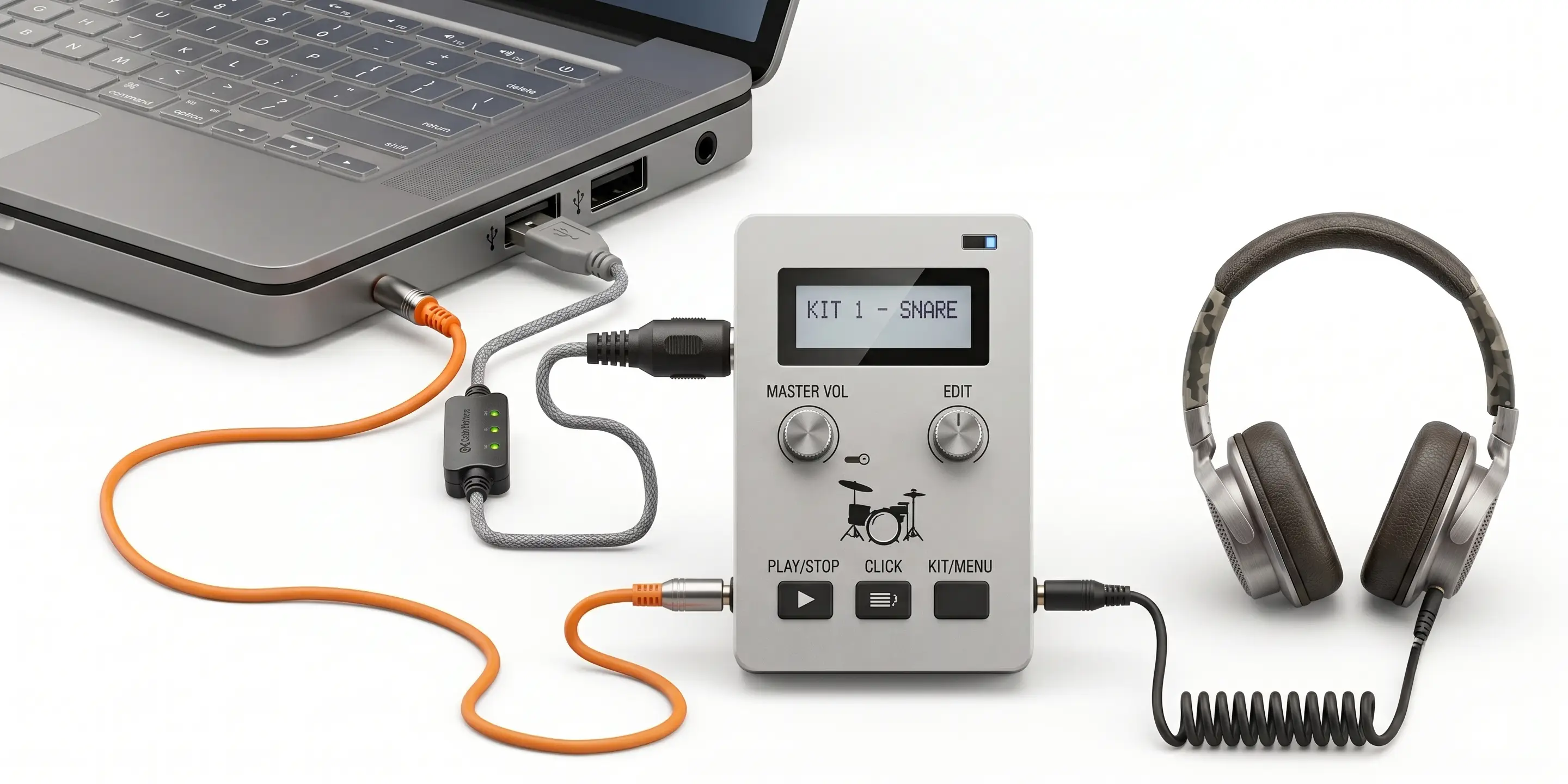
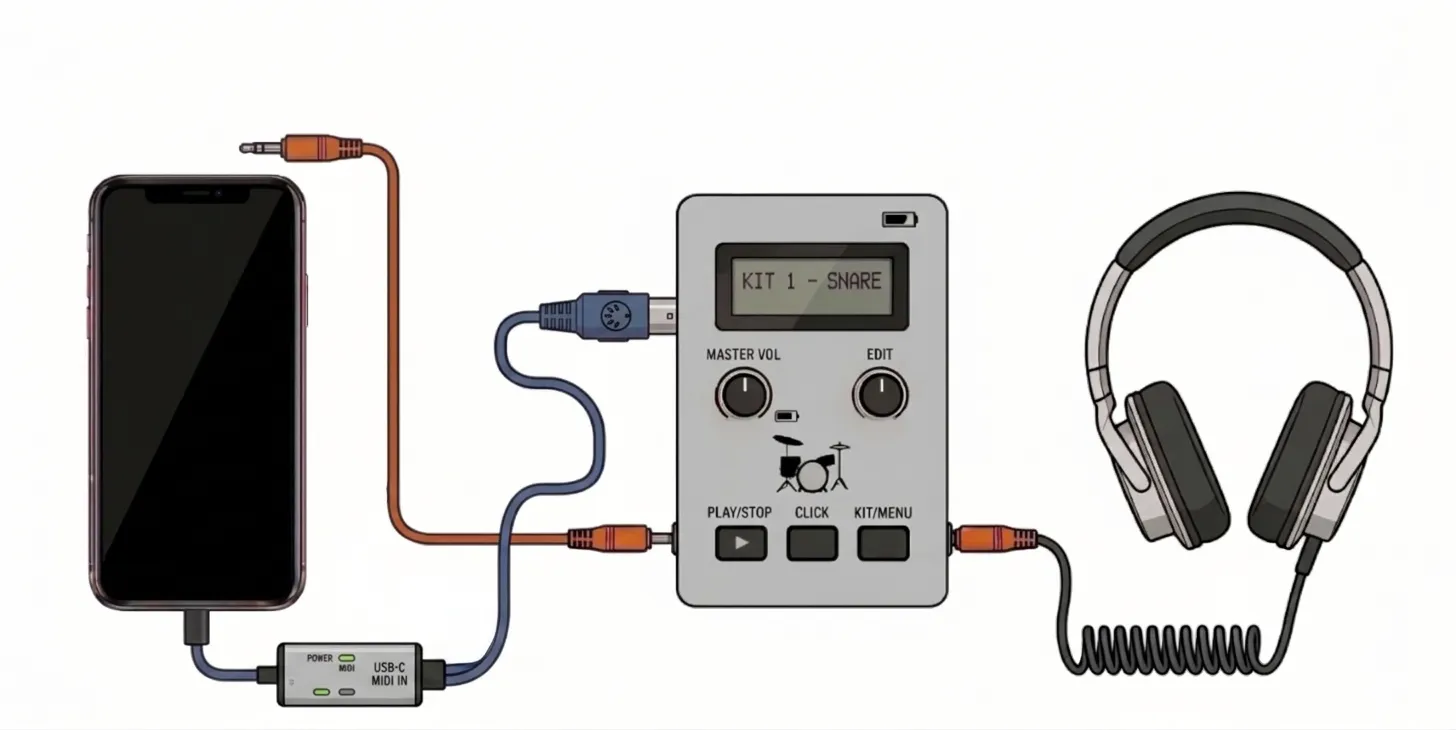
Tick a configuration above to see its diagram.
Frequently Asked Questions
No. You can download the app and play the Prologue (Levels 1 and 2) immediately as a guest without registering. Once you are ready to unlock Level 3 and the full campaign, you will be prompted to create an account.
You can play right now on Android devices and directly from your web browser (which also works on iOS). Dedicated native apps for iPhone and iPad are in development and will be released in the coming months.
Currently the app is optimized exclusively for electronic drum kits. However, we're actively working on an acoustic drum version, launching in the coming months. Stay tuned!
You can play the first two levels completely for free and unlock the full experience for just 9,88/month or 88/year.
Bluetooth technology for AUDIO signals introduces a delay (latency) of 100ms to 300ms. In a precision music game, this delay will make your hits register late and disrupt your timing. Avoid using Bluetooth headphones or speakers. Bluetooth CAN instead be used for MIDI signals from the e-module to the app, so BT MIDI adapters or drum sets with integrated BT for MIDI should work. Wired connectivity is always to be preferred (also for signal stability issues).
Yes, you can use the speakers as a temporary solution if you don't have headphones or an aux cable to connect to the electronic drum module.
You may need to repeat the latency test (in the setup page) especially if you changed device or hardware setup.
Alternatively you may need to do the sound check again.
No matches — try a different search term.
 Learn Drums Video Game